
You’ve probably noticed I’m really not someone that celebrates or bothers with every new feature that pops up in Adobe Lightroom. I’ve written about a few like the AI powered noise and resolution stuff. I’m a bit of a curmudgeon on “new stuff” and have far more of a “less is better” bent. I lament the time I have to spend on all the “new features” at a pace that seems constant. I’ve written extensively about the benefits of maintaining a stable printing environment and why you may want to turn off all those automatic updates. Too bad I cannot take my own advice. I’m compelled to upgrade our systems in the studio so that we can read workshop participants’ Lightroom libraries on our machines. I also have to have some degree of familiarity with tools that participants use regularly. The latest Lightroom Classic upgrade 14.2 (ACR 17.2) is especially noteworthy. This update brings a couple experimental features into the mainstream — the new “adaptive color” and “adaptive black and white”.
What are these? How do they work? More importantly who are they for? I won’t bother walking through how they work in any amount of detail. After playing with them across a fairly wide sample of images I am not sure who they’re for or even what they are. If you’re super interested in how they work there are a bunch of YouTube videos walking through them. Every one of those videos will typically pile on a bunch of other adjustments and customizations. I’d say the general consensus is they are billed as “good starting points” and also warn that these new profiles can produce strange artifacts if retouching and or certain other local adjustments are performed after the profiles are applied. There’s even an “update profile” feature if you mess with retouching, etc later.
Here are a few of my own observations in no particular order…
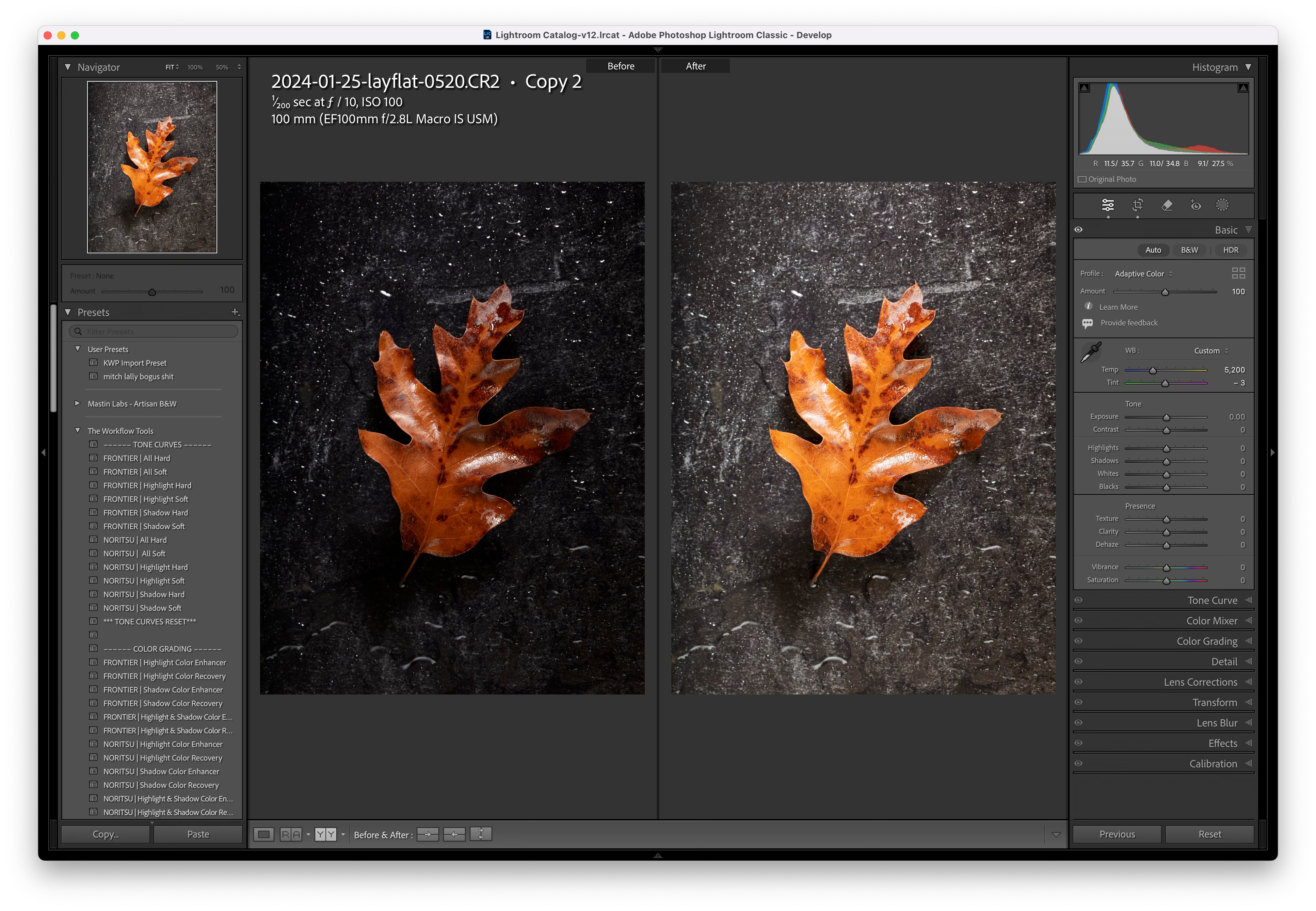
Images with a lot of internal contrast with intentionally dark shadows will look horrible after using the adaptive profile.
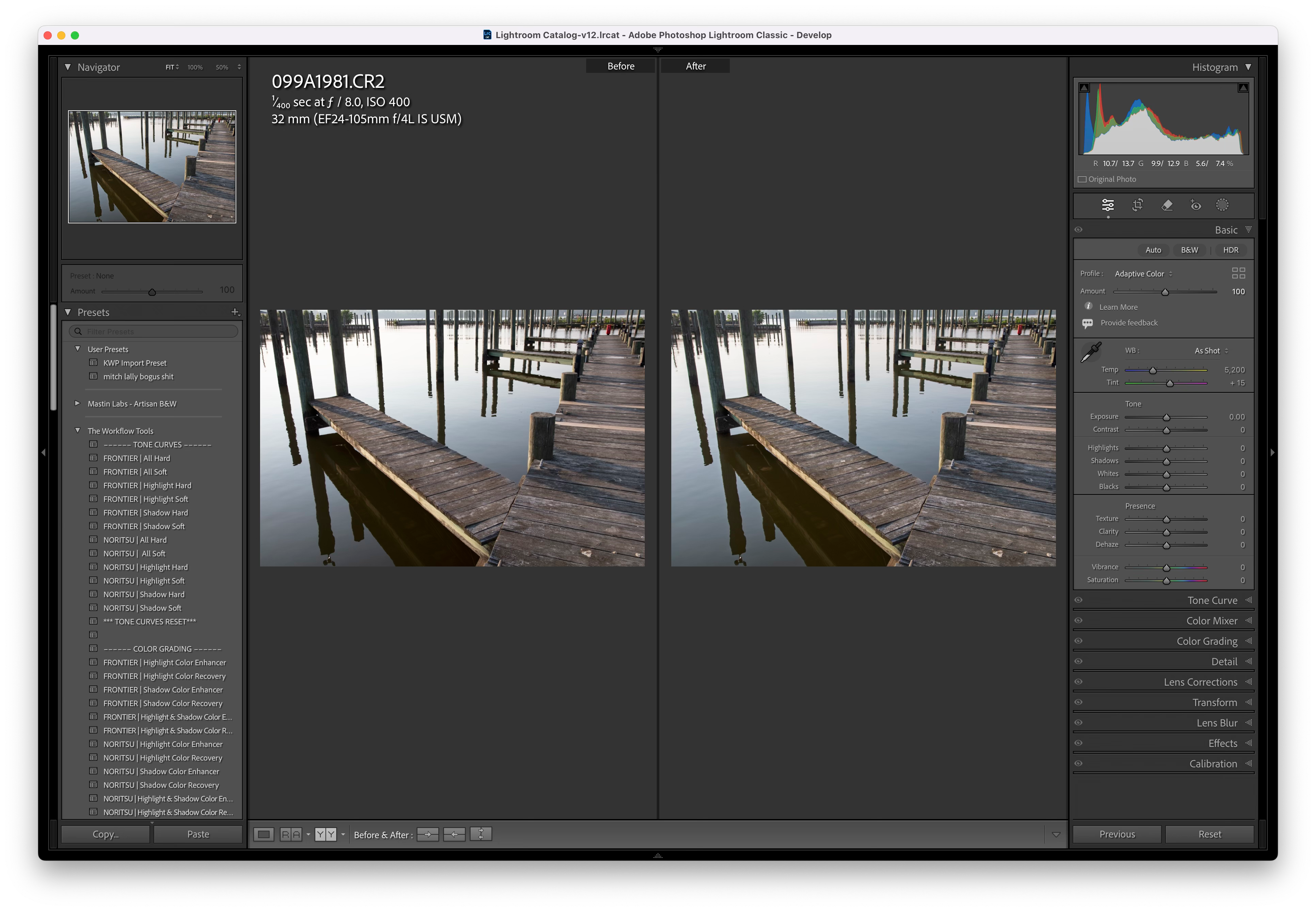
Images that are heavily mid-tone centered will, like the typical “good histogram” images where you have a large central mountain evenly tapering off toward shadows and highlights will sometimes be more-or-less left alone.
In many cases it produces similar results as “auto”
Both auto and the new “adaptive” profile don’t seem to have a clue about high or low key images.
Anecdotally I’ve found the results of the adaptive profiles to be less predictable than “auto” and if I had to come down on a particular “look” that the auto profiles produce I would have to say… they are flatter and a bit more artificial looking but that’s not every time, all the time
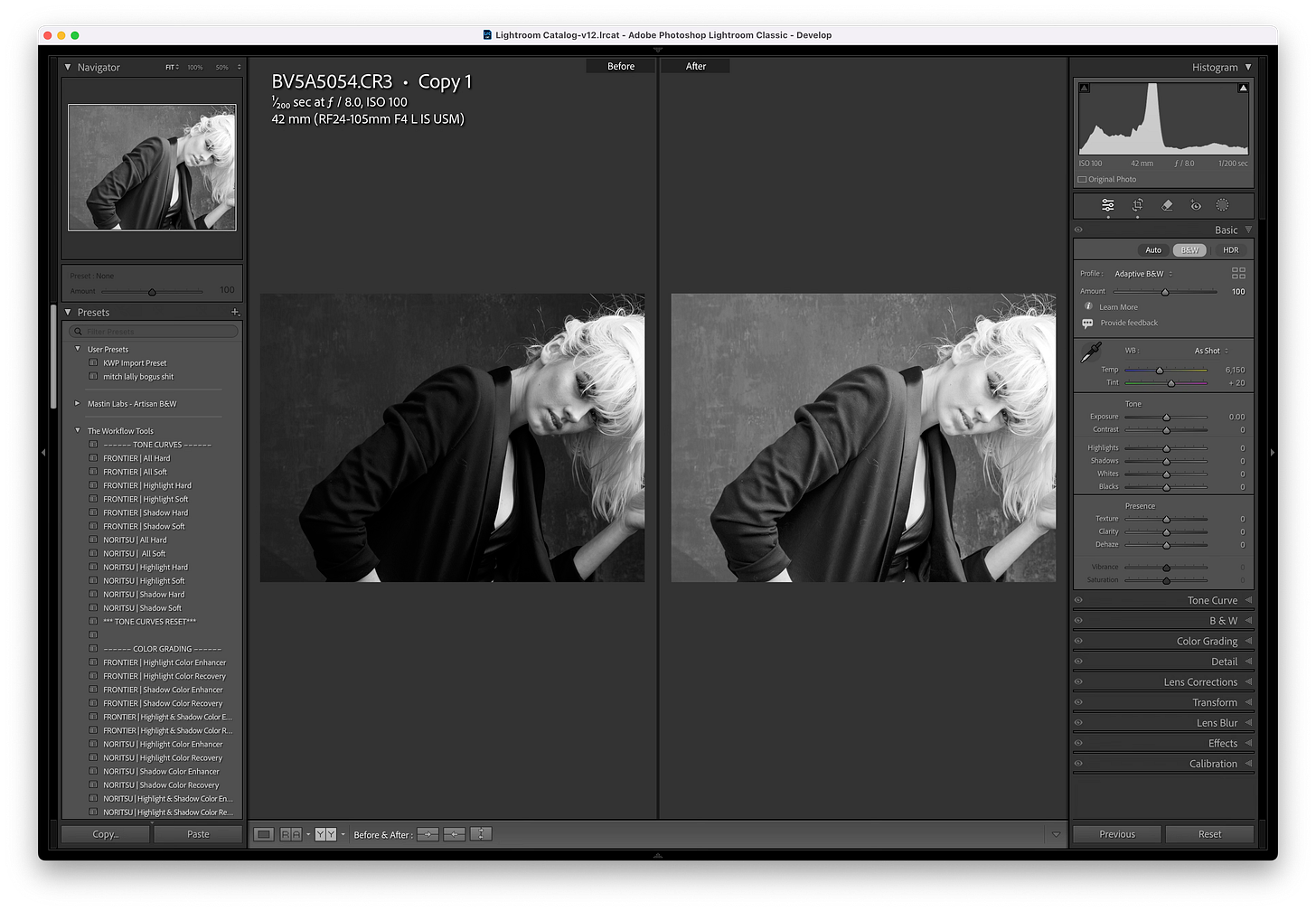
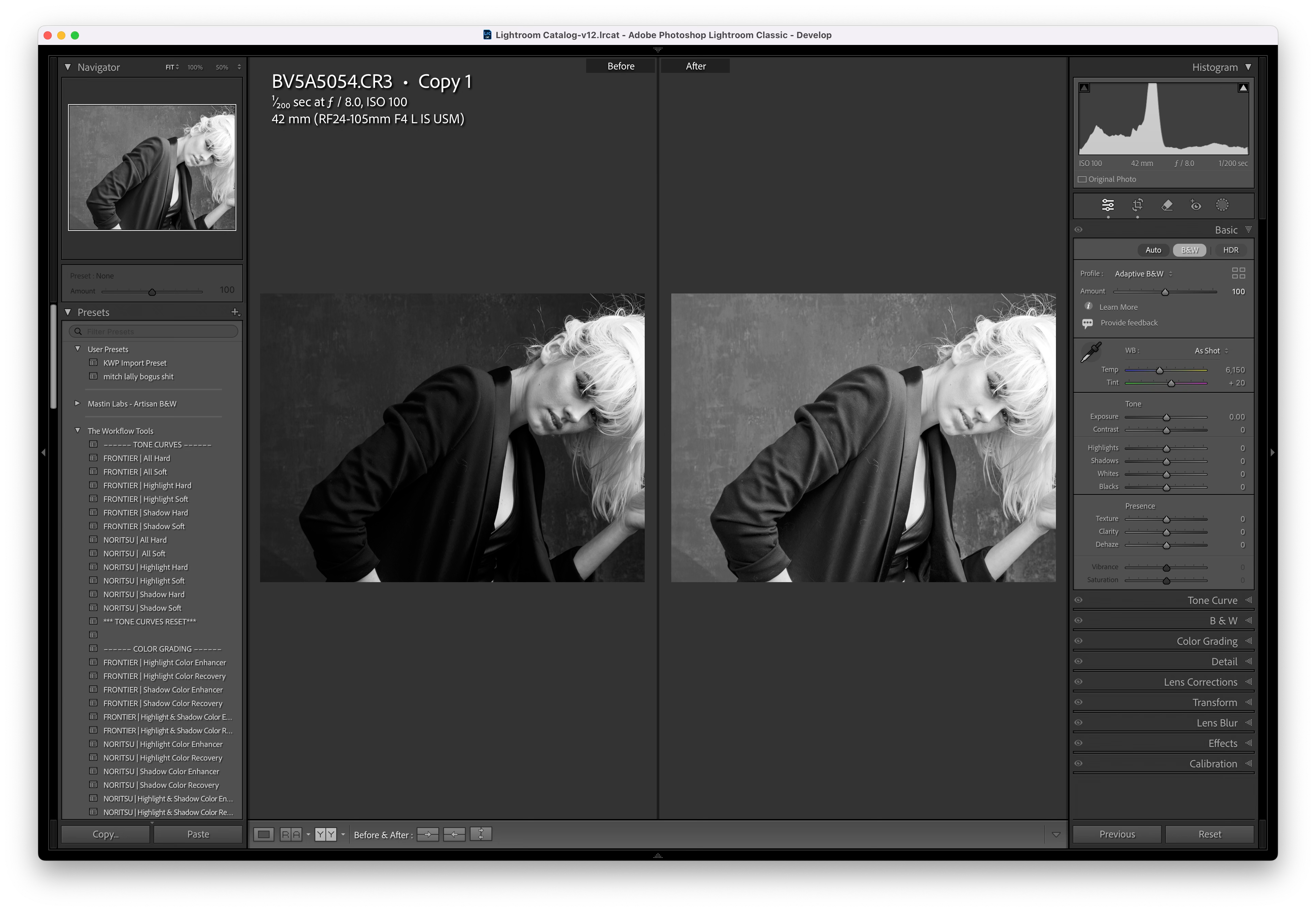
What the… a bit much… I don’t think the AI understands black or dark gray at all. Let’s see how the dumb “auto” works on this… as I said, highly unpredictable.
So, who are the new adaptive profiles for? In a nutshell they are probably for people that use “auto” a lot. They are an alternative for those that shoot a lot of underexposed images with a large dynamic range that want a quick starting point. They work completely differently under the covers by creating color and tone maps. Heck they may be a “better” starting point rather than “auto” as they tend towards a flatter look. In fact they may be for those that desire to produce images in the new “HDR formats” intended for display on “HDR monitors”. More on that another day as I’ve found those new “HDR” features unhelpful for those trying to render images on a lower dynamic range medium like ummm, prints.
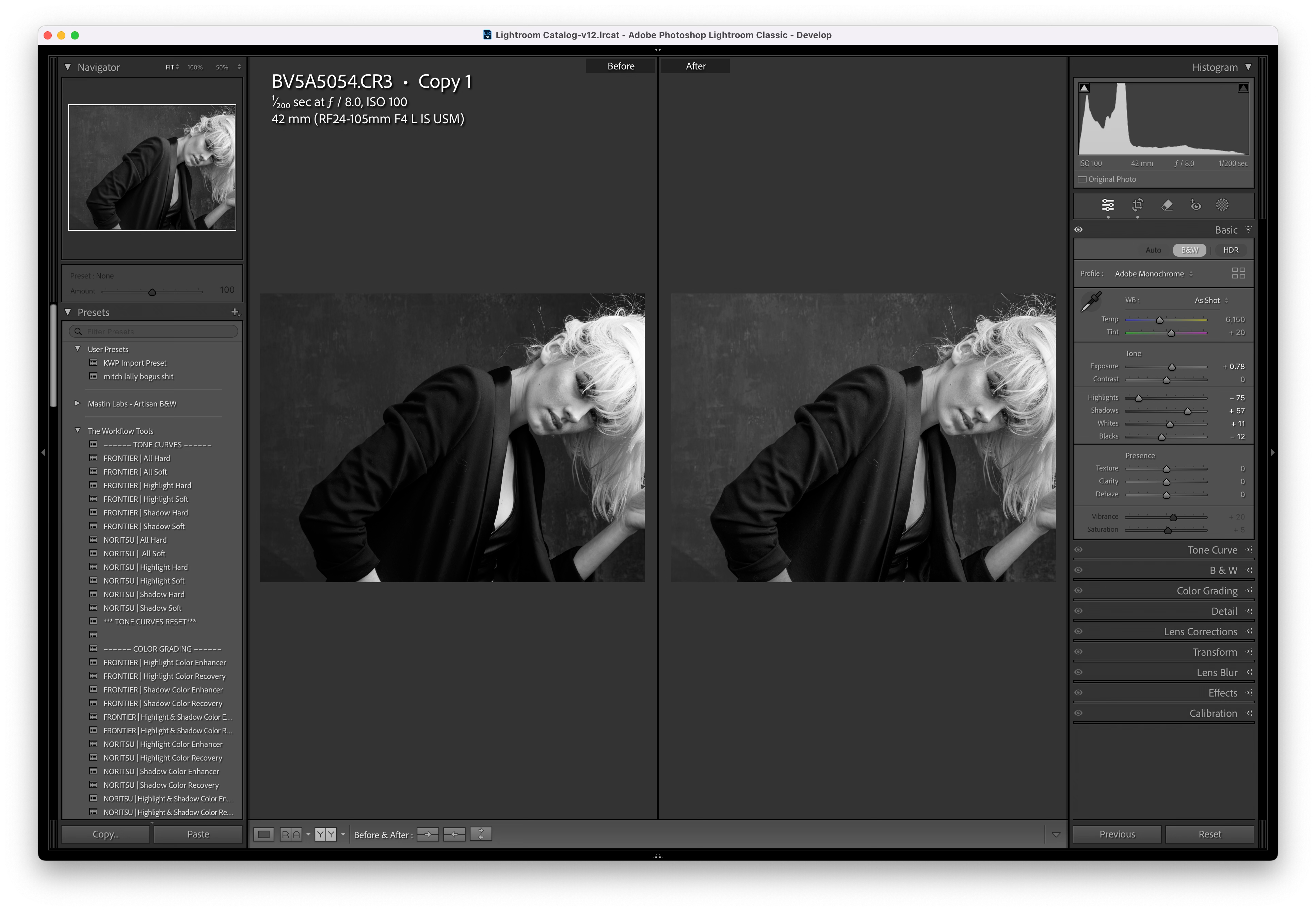
I guess I am a bit surprised at the new adaptive profile features given their billing as “AI” features. I mistakenly assumed the “AI-ness” would allow them to somewhat better than “auto” in terms of the photographer’s intent, like low key images vs preserving highlights in a scene to be rendered more conventionally. In a few cases I did see an attempt to identify the obvious subject and separate it from the background, then again I’d say it’s better to do that yourself given the AI doesn’t have much taste in such matters so you’d have to use the same tools to tweak it if the adaptive “starting point” doesn’t get you exactly to what you were thinking. Call me a curmudgeon, I really don’t understand who these new adaptive profiles are for.
Thanks for your thoughts on Adaptive Color. I've been using it for a while and have been reasonably satisfied with it, compared to my previous use of Adobe Color. Interestingly, I've often found it to be somewhat too saturated for a starting point, although it gets the exposure pretty well most times. This has greatly improved over the time I've been using it, so it looks like its development is continuing. I'm using the version in ACR, while you were using Lightroom, and I don't know if they are the same. They don't always track exactly all the time, it seems. I just ran a mini-experiment with Adaptive Color, Adobe Color (no auto), Adobe Standard, Adobe Color (auto), and Camera Standard (for Sony). My ranking of the best starting point was in that order. Granted it was an ordinary golden-hour landscape, without the dynamic range extremes that you called out. I'll have to do some more experimentation with those types of images. Obviously, this kind of analysis is subjective; my preferred starting point for preparing an image to be printed is probably not the same as yours. Anyway, I assume you are going to stay with Adobe Standard?
You must get, on occasion, those Adobe LR feedback requests? I always say that LR is becoming too bloated—as you’ve suggested above. Clearly they’re listening….