

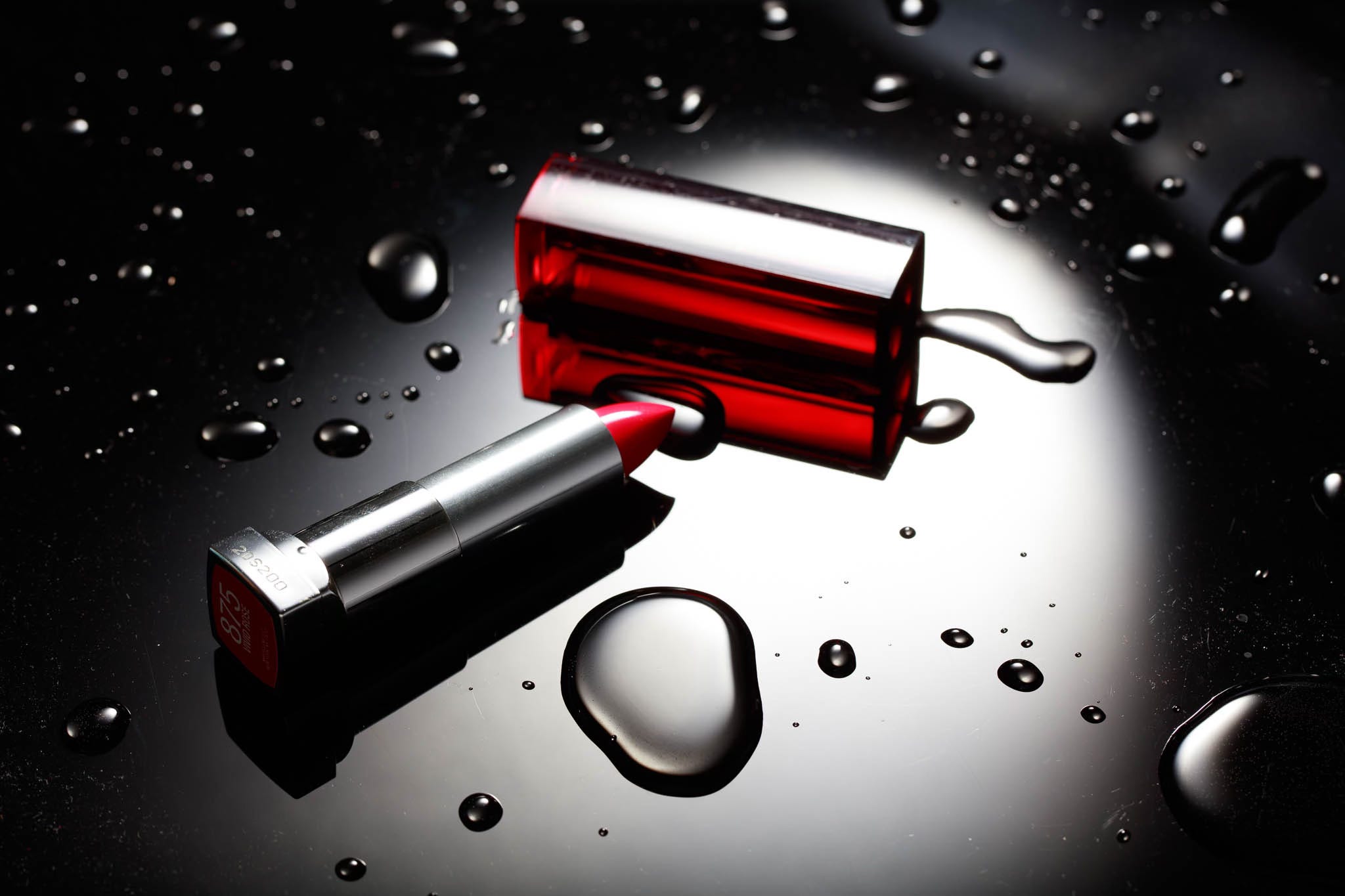
Way, way back before the advent of general purpose RAW processors and workflow tools (Apple Aperture followed quickly by Adobe Lightroom) we had the manufacturers’ supplied software if we were shooting RAW files. Believe it or not shooting RAW was not the “norm”. Camera manufacturers lived and died by how good their JPEG files looked when competing with the prevalent film. There were various “looks” Nikon, Canon, and others provided that were built-in. Those looks were easily reproduced by the software provided with the cameras. They were good, they looked good, they still do.
Fast-forward and we have Lightroom (and other software like C1) that provides profiles for nearly all cameras to match the JPEG settings those cameras offer, at least those baseline settings without in-camera customizations. For the most part, they are pretty good if not exact depending on the specific camera. This is a far cry from “Adobe Standard” as the old-fashioned default RAW conversion. Many people using Adobe Lightroom (and ACR) complained that imported files looked great for a second and then looked bad when the import finished. What they were seeing was the flat, fairly neutral “Adobe Standard” preview generation catching up and replacing the embedded camera JPEG first displayed. We still have “Adobe Standard” but the new default is “Adobe Color”, which brings us to the subtitle — What’s wrong with Lightroom Adobe Color, the profile. Plenty…