

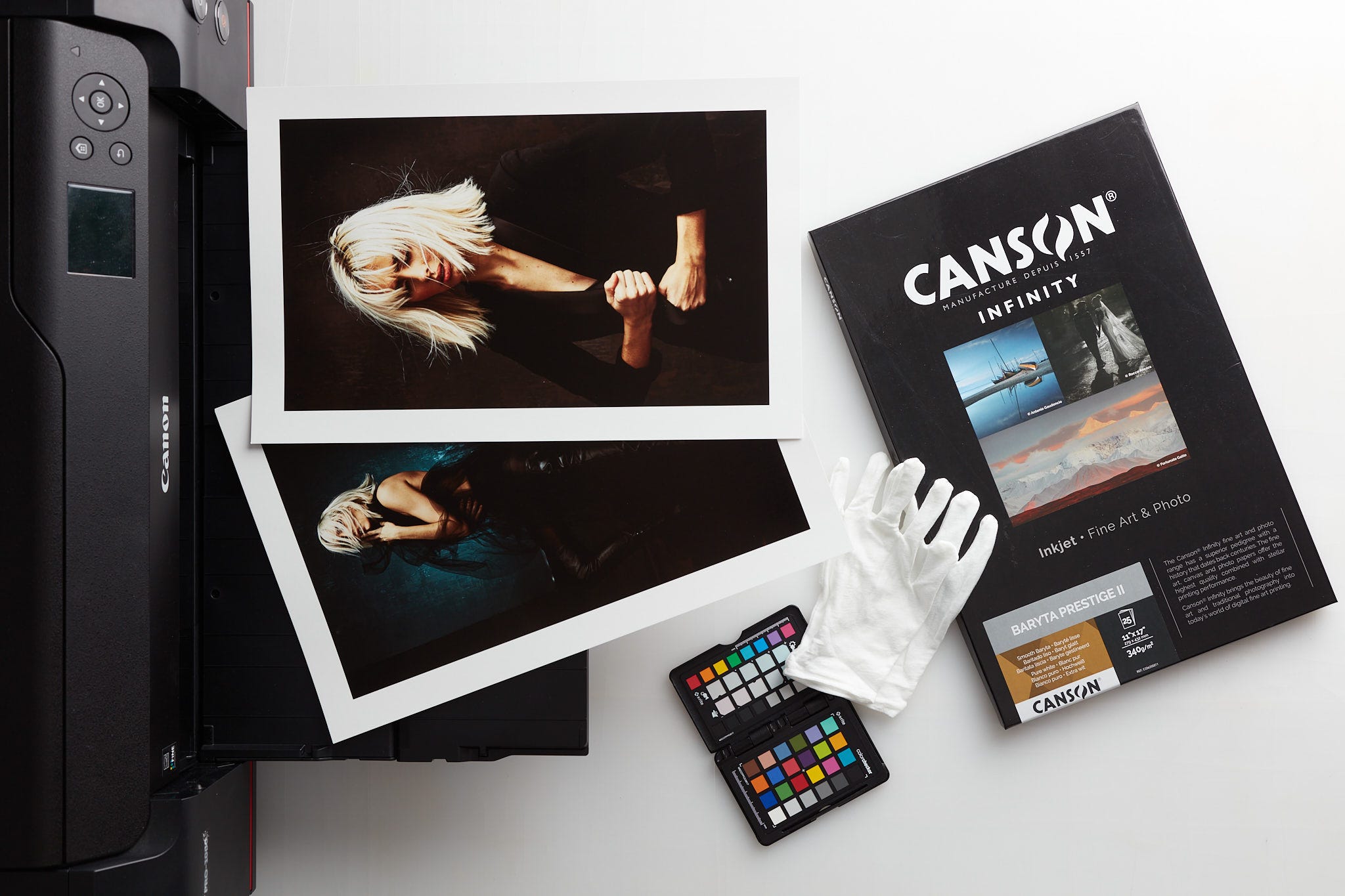
A couple of weeks ago, one of the participants in a workshop focusing on evaluating prints (specifically color prints) asked a question along the lines of; “Should one carry a ColorChecker into the wild?” She knows photographers that carry one all the time and faithfully make a picture of the scene with the ColorChecker to get good color out in the wild. I decided to answer that in the form of a newsletter installment. Possibly many newsletter installments, there are many ways to answer that question. As usual, the answer or answers are dependent on what one is attempting to do.
Here’s as simple an answer as possible… Sure, go ahead, but most of the time, I wouldn’t waste the time. I certainly wouldn’t ritualistically use it unless I had a very specific intent that would likely involve a lot of prep and exerting an immense amount of control in the scene I was photographing with a clear, predetermined end result.
Color Rendition Is Context Dependant
I’ll expand on the answer a bit by first pointing out that color rendition is almost always context dependent. The time of day, specific lighting conditions, and local environment all contribute to the way the scene feels. This is true of indoor light, artificial light sources you bring, and especially outdoor scenes. You can get a masterclass in color rendition merely by paying attention to TV and movies you watch all the time. Rarely are the colors neutral, the same goes for great color photography.
What does night look like compared to day? Generally, you’ll see night scenes that are moonlit rendered relatively cool instead of dead neutral. The same is true of daylight with sunny conditions, rarely are they rendered neutral instead of relatively warm. If you reverse these, they look “bad” or wrong or off… unless there is some other contextual cue that begs a different rendering. These are hard light sources. The shadow renditions play a big role as well, but along the cool/warm axis, you’ll most likely want to render sunlit scenes on the warm side, the lower the angle, the warmer, such as sunset/sunrise. If you were to correct for dead neutral, a lot of the feel of those times of day would go away.
This is true for soft light as well. Cloudy conditions, open shade, window light from a north-facing window, all of these are best rendered a hair on the cooler side rather than dead neutral or, worse, warm. I am not at all advising that they be crazy blue… unless there are other contextual cues where the obvious blue-ness makes sense visually and aesthetically.
This is all true to an extent, even in studio conditions. Sure, you see many great photographs that are rendered neutral, but in many cases, they scream “studio conditions”. Things change a lot if you are using artificial light to simulate a natural light scene, in which case you’ll probably want to skew the color cool or warm to visually convey the conditions you are attempting to simulate. Moonlight? Dark, hard shadows and a cool rendition work. Sunset? Similar but typically less shadow contrast, a larger but still hard light source, and a warm color rendition.
Color Checkers Are Not Magic
Let’s say you do want neutral color as a starting point outdoors. Sure, go ahead, take a shot with a ColorChecker of your subject in open shade. One very common condition when making pictures in soft, skylit, open shade is that the sun is blasting off the grass and filling in the shadows. Trust me, a ColorChecker will be of zero help fixing the huge issue of green shadows uplit by the sunlit grass against the very blue highlights/mid-tones lit by the sky. The point is paying attention to the light, and its color is far more important than some magic bullet technological solution.
Let’s imagine a similar scene where your subject is lit by skylight (through a window or under a tree or under an overhang of some sort). You take a color checker shot and neutralize the white balance, heck go ahead and make a custom profile. Assuming you were pointing the color checker towards the main light source, you’ll get neutral, “accurate” color. Too bad there is this giant red cast on the other side. Where did that come from? Oh, the red wall on the other side, or maybe the sunlit bricks on the other side.
What to do about this? The one thing that won’t fix it is using a color checker that reflects both lighting colors. Your results will vary wildly with every click. Can these conditions work? Maybe, but the only way to make them make sense is to include the reason that the whole side of the picture has a red cast. That’s what I mean by context-dependent color.
Conclusion
Sure, carry a ColorChecker with you, but don’t religiously use it to get “neutral” results. Paying attention to the scene and how the light feels is much more important. Being a slave to a procedure without evaluating the context of the scene is probably not the path to great color work.
Workshop Openings
I wanted to alert readers to the availability of 2 openings left in our Introduction To Fine Art Printing taking place January 18th, 2025. These go quickly as we have a hard limit of 4 participants for each session in order to provide one-on-one attention to every attendee. We just opened this session up but 2 slots are already filled by people that we couldn’t fit in the workshop we held this past weekend. Register at Les’ website and feel free to ask any questions prior to signing up.
So true. And then it depends on what paper you print on. And what you feel.
"You take a color checker shot and neutralize the white balance, heck go ahead and make a custom profile."
And generally speaking, a color checker is more important for photographers who shoot WYSIWYG jpg images than for those who shoot malleable raw image files. (It mostly comes down to post-processing time.) Wedding photographers, for example, will greatly benefit from at least a gray card, and an in-camera neutralized white balance.
Unlike jpgs however, raw files capture unprocessed sensor data, so the image is not permanently altered by camera settings. The white balance is not applied to the raw file itself but is stored as metadata within it, so a gray card (or color-checker) has different benefits.
In that case, shooting a graycard since it makes post work easier. And that's the difference: if you shoot jpgs, then having a correct white balance baked into the image file as it comes from the camera is critical, especially if you're taking hundreds or thousands of shots. If you are shooting raw, and have the time to correct each one, then being able to point-sample a gray card will give you a starting point for the necessary changes you must make to each image in Photoshop/ACR.